


.svg)


 Garantía de entrega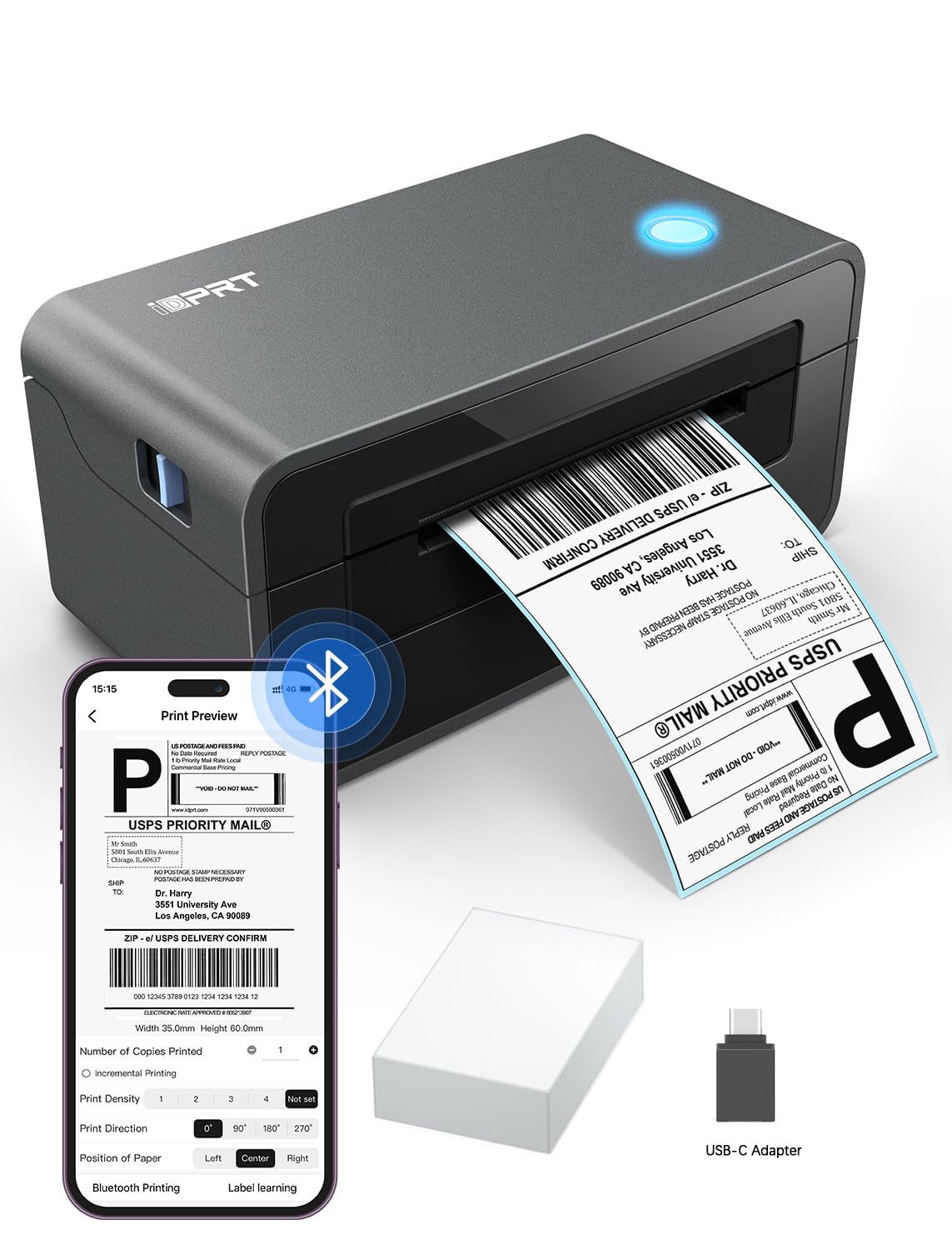








Artículo: AMZ-B0DDPBVJGV
iDPRT
iDPRT MT610 Pro Portable Thermal Printer, 300DPI HD Mobile-Travel-Printers, Inkless-Wireless-Small-Printer for Home Use, Office, Vehicles, Bluetooth Printers Supports 8.5" x 11" US Letter&A4&A5, Black
Color:
Black
Black
Deep Black
Gray White
Pink
White
Disponibilidad
En stock
En stock
Peso con empaque
0.57 kg
0.57 kg
Devolución
Sí
Sí
Condición
Nuevo
Nuevo
Producto de
Amazon
Amazon
$168,93
55% OFF
$76,79
IMPORT EASILY
By purchasing this product you can deduct VAT with your RUT number
$168,93
55% OFF
$76,79
Envio incluido
Llega en 5 a 12 días hábiles
Con envío
 Tienes garantia de entrega
Este producto viaja
de USA ![]() a tus manos en
a tus manos en
![]()
 a tus manos en


Compra protegida
Disfruta de una experiencia de compra segura y confiable
![]() Garantía de entrega
Garantía de entrega
Con Tiendamia todas tus compras cuentan con Garantía de Entrega o devolución total de tu dinero.
Compras 100% seguras y garantizadas, para que pidas lo que sueñas y lo recibas del mundo a tu puerta.
Tarjetas de Débito y Crédito

Visa

Mastercard

American Express

Dinners

Discover

Alias
Pagos a través de PayPal
Compra procesada en dólares con dinero en cuenta o tarjetas internacionales.

PayPal
Conoce más detalles
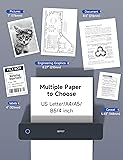
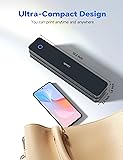
✅PRINT ANYWHERE WITHOUT THE INK HASSLE:Say goodbye to messy ink cartridges. This portable printer creates sharp 300DPI documents faster than you can staple papers – we’re talking 4-6 seconds per A4 page. Whether you’re printing contracts at a coffee shop or boarding passes at the airport, it delivers professional results every time(Supports thermal paper only) ✅TOUGH ENOUGH FOR DAILY USE:Weighing less than a hardcover book (1.1lb/498g), it slides easily into backpacks or tote bags. The textured grip prevents slips, and the matte finish hides scuffs from daily commutes. At 10.2 inches long, it fits neatly beside your laptop in any work bag ✅BATTERY LIFE THAT KEEPS UP WITH YOU:One full charge handles 360 pages – enough to print a 200-page manual plus your weekly meeting notes. The 2000mAh battery lasts through 4 hours of continuous use, though you’ll need to buy thermal paper separately (standard 3.1" width works fine) ✅COMPREHENSIVE COMPATIBILITY:Pair with smartphones via Bluetooth in 90 seconds – no tech degree required. The free HerePrint app lets you print photos directly from Instagram or turn handwritten notes into PDFs. For laptops, just plug in the USB cable: it acts like a regular printer for Word docs, Excel sheets, or even IKEA instruction PDFs(Note: To ensure print quality, do not print images that are entirely black.) ✅FROM OFFICE TO LIFE: Print last-minute permission slips at school pickup Create parking passes for weekend events Keep food truck orders organized with instant receipts Document rental property inspections on-site Make scavenger hunt lists during family trips ✅PHONE START PRINT: Step 1: Download APP "HerePrint"; Step 2: Turn on the MT610 Pro and make a Bluetooth connection in the APP; Step 3: Click the "+" sign to complete the device connection and select the file type to start print ✅COMPUTER-DRIVEN PRINT:Step 1: Connect the MT610 Pro to your computer using a USB-C cable and power it on. Step 2: Download the appropriate driver for your computer's operating system from the brand's official website and install it. Step 3: Load thermal paper into the MT610 printer. On your PC, select the file, set the corresponding paper size, and start printing.

